SCADA & assets
Supervisory control, alarming, and real-time visualization with broad PLC, RTU, and protocol connectivity.
AccuTrack
AccuTrack is a next-generation supervisory control and data acquisition platform with integrated machine learning, a full engineering toolchain in AccuTrack Designer, and runtimes for Windows and Linux.

AccuTrack SCADA unifies real-time control, visualization, historian storage, and industrial connectivity in one stack—so teams can deploy as a single system or scale out across stations and sites.
Whether you are modernizing a plant, standardizing HMIs, or layering predictive analytics on existing infrastructure, AccuTrack SCADA is designed to stay responsive under load while ML workloads run on dedicated paths that do not starve control loops.
Projects are authored in AccuTrack Designer: HMI screens, tags, alarms, Lua automation, and field communication—including Modbus, OPC UA, and other industrial protocols—then deployed to Windows or Linux runtimes matched to your hardware.
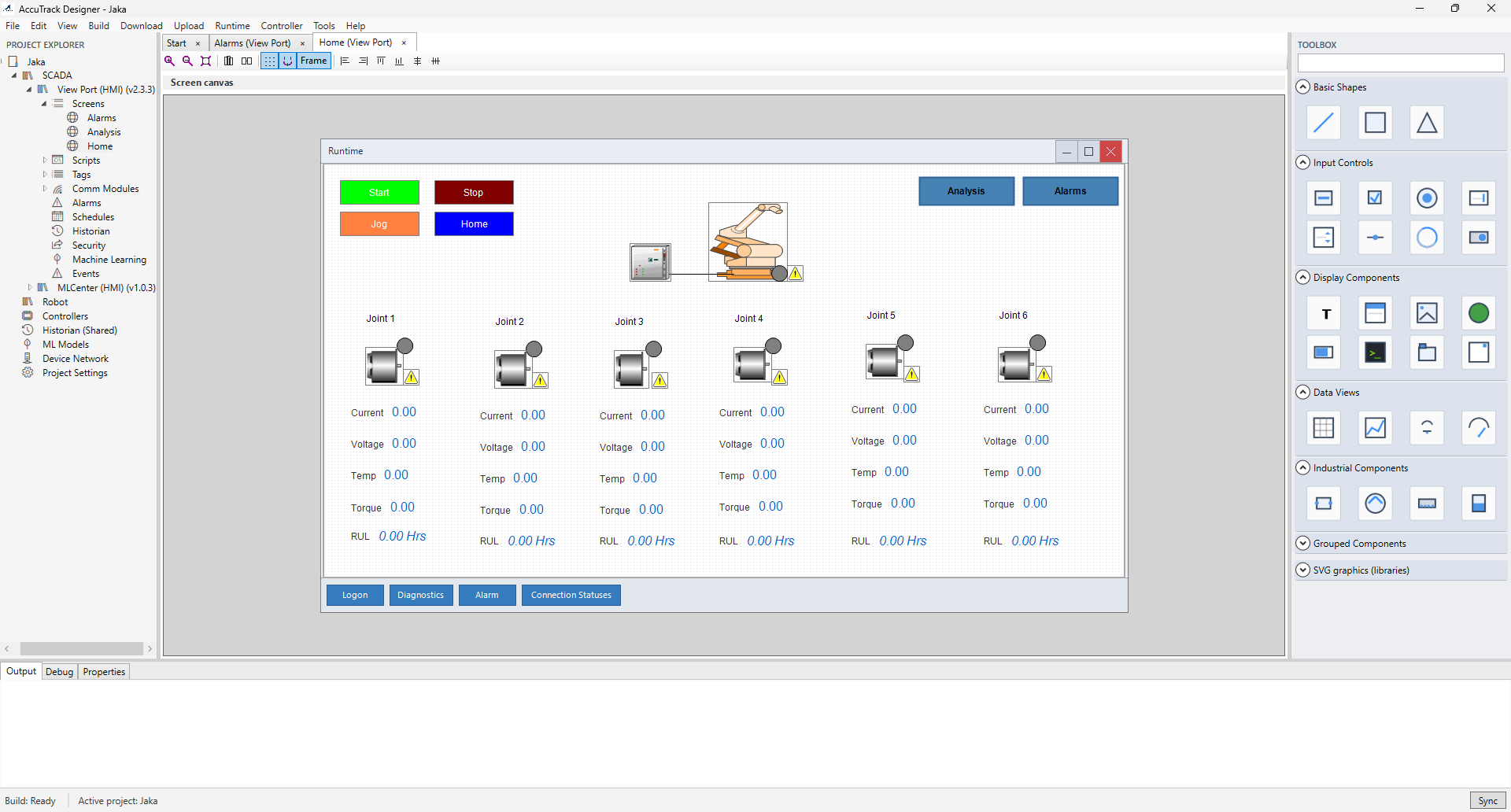
Deploy together or standalone—each pillar shares the same historian and ML fabric when combined.
Supervisory control, alarming, and real-time visualization with broad PLC, RTU, and protocol connectivity.
Industrial protocols and gateways—Modbus, OPC UA, MQTT messaging, and REST—so plant and facility data share one tag model.
High-ingest historical storage and retrieval for trends, compliance, and ML training data—integrated with tags out of the box.
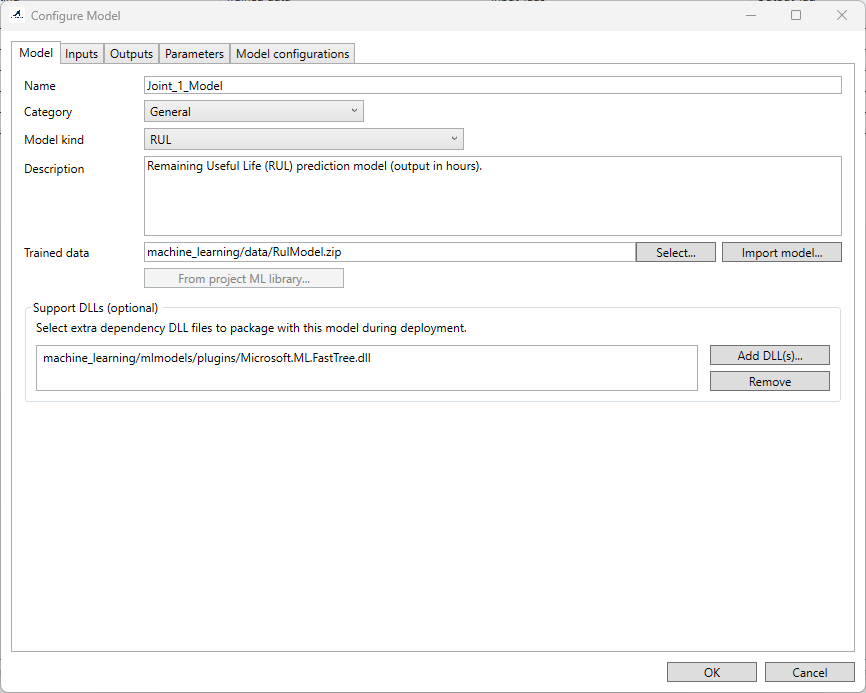
Models attach directly to live data—not offline spreadsheets.
AccuTrack SCADA runs multiple ML models concurrently: lightweight inference on the hot path, with room for heavier jobs where batch analysis makes sense. The architecture keeps SCADA timing predictable while still processing high event rates through ML pipelines.
Rugged panels, multi-touch surfaces, and distributed operator stations—all supported.
AccuTrack SCADA targets industrial HMIs and PC stations: dedicated runtimes load your deployed project for live visualization and control, from a single edge node to redundant pairs with hot standby where uptime is non-negotiable.
The PC station model separates engineering workstations from dedicated runtime nodes so you can standardize development while rolling out exactly the right hardware profile per line or site.
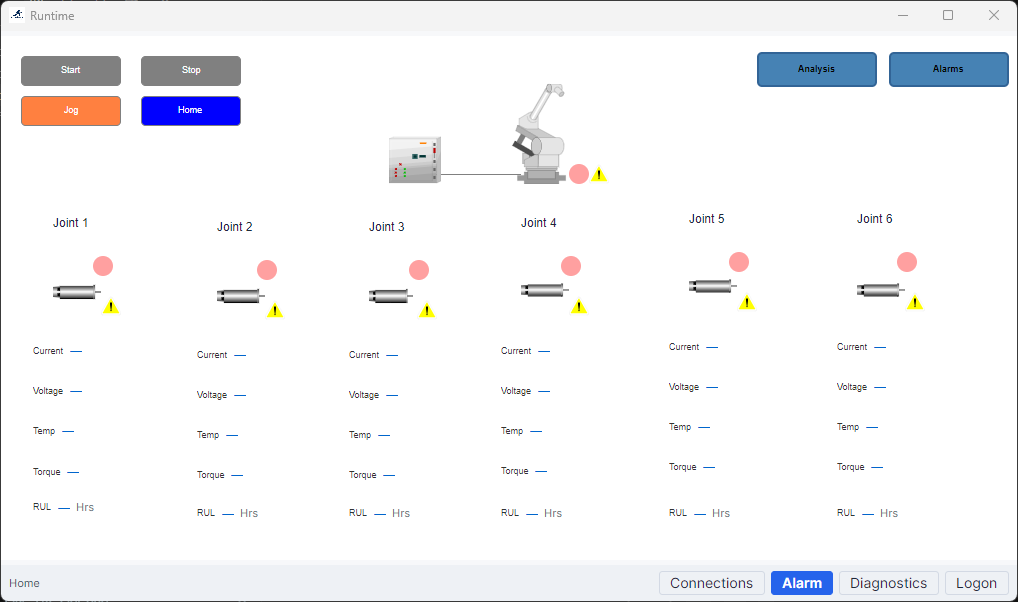
How each layer contributes to a single operational picture.
Monitor and command processes with structured alarms, role-aware access, and protocol breadth for field devices. The core runtime is built to expand with your tag count and screen complexity without fragmenting configuration.
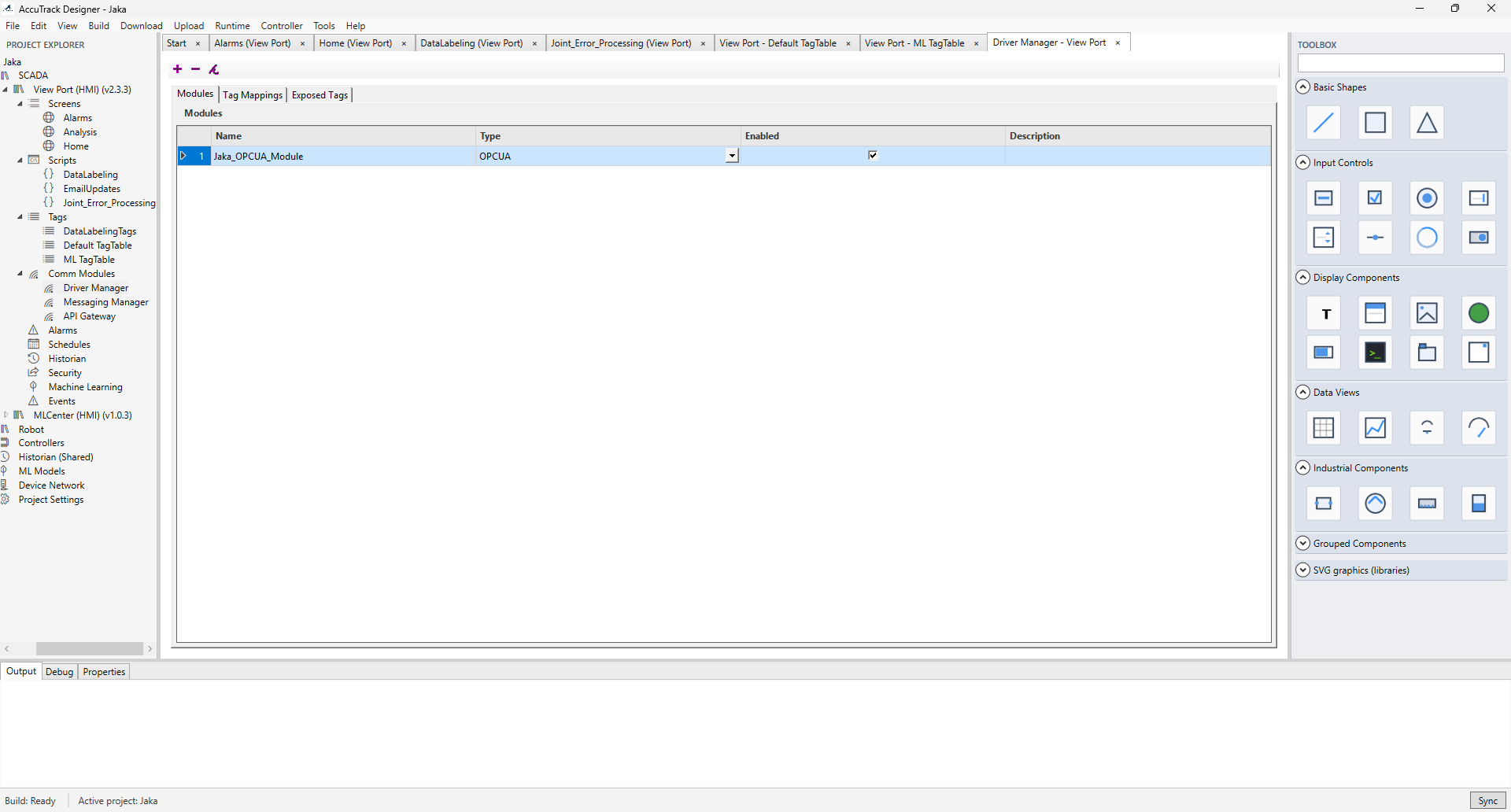
Modbus, OPC UA (client and server), MQTT, and REST APIs connect PLCs, field devices, and IT systems. Configure drivers and exposed tags in Designer so runtimes acquire data deterministically and publish where your architecture needs it.
Long-horizon storage, fast retrieval, and tight coupling to ML workflows mean your models see clean, time-aligned data. Compliance reporting, forensic replay, and advanced trending stay first-class citizens.
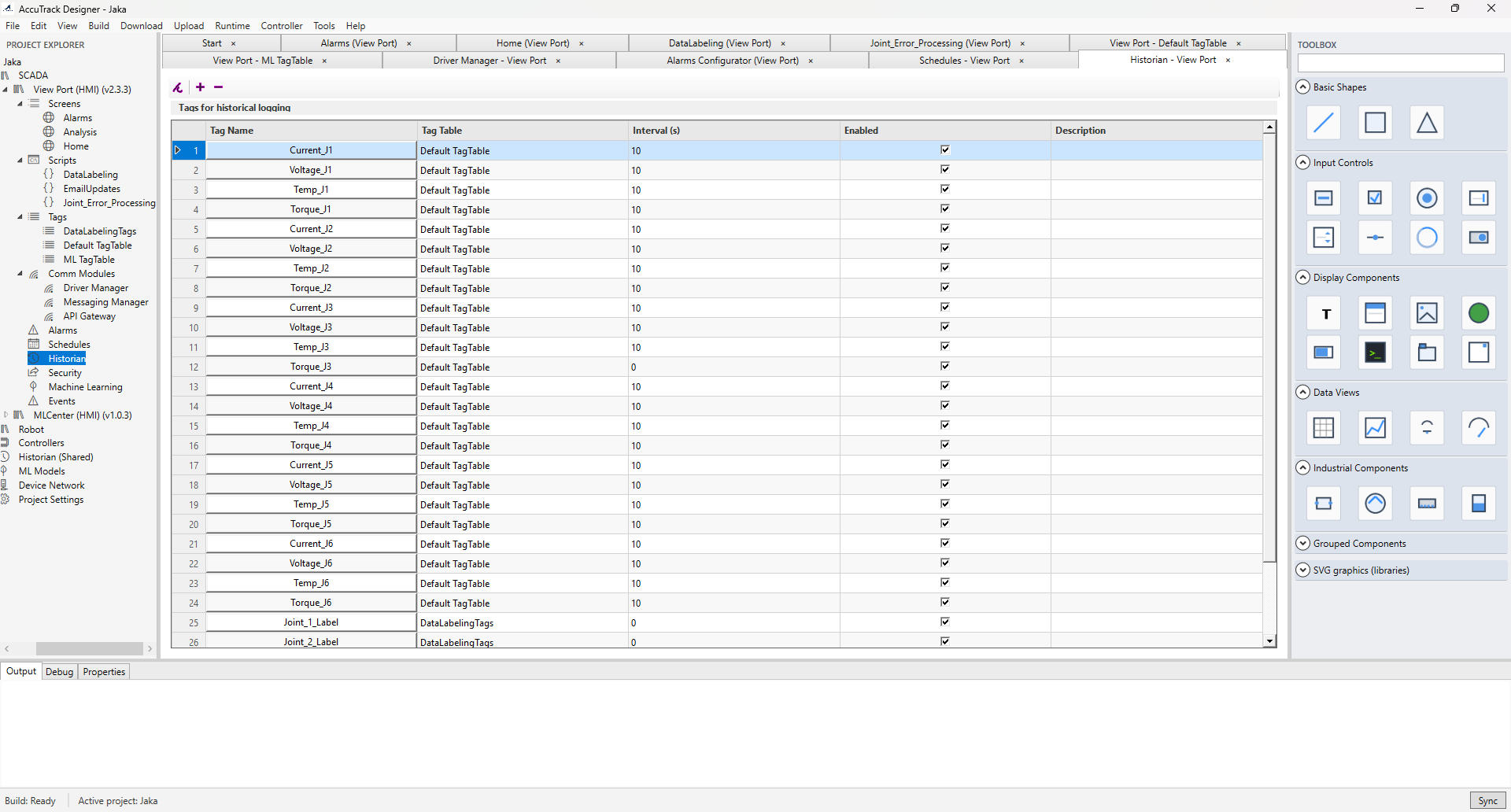
AccuTrack Designer is the engineering environment for screens, tags, Lua scripting, alarms, and deployment. Published projects run on dedicated runtimes—Windows for control-room and panel targets, Linux ARM64 and x86-64 for edge and server-style installs.
Use Designer to build operator interfaces, configure security, and validate field communication before rollout. Runtimes execute the deployed project with deterministic I/O handling and historian integration.
Packages below are ZIP archives. Pick your target OS and architecture, then download the build. Replace
files in the downloads/ folder on your server when you publish
new versions.
Documentation ships with the product; key topics include:
If the PDF is not hosted here yet, use the copy included with your AccuTrack SCADA installation.
Training, licensing, and integration support for AccuTrack SCADA.